

Workplace Technology / Smart buildings

Room booking, sensors and building systems that show how each floor is used.

We set up room booking, occupancy sensors and Microsoft Places, and connect them to the building systems you already run. Facilities, property and IT teams then work from the same numbers.

Talk to us about your buildings
A facilities manager and a building services engineer walk through an empty open-plan office floor at sunrise, talking. Illustrative image.

Your building already collects the data, in systems that don't talk to each other.

The booking system shows which rooms people reserved. Wi-Fi and sensors show how many people turned up. Access control, lighting and energy systems each keep their own records.

We connect what you have, add what's missing and report on it in one place.

Core Microsoft Places features come with standard Microsoft 365 plans.

Places is Microsoft's app for booking desks and rooms, and for planning days in the office. It works inside Teams and Outlook, and most of its features need your buildings, floors, rooms and desks set up in it first. We do that set-up.

Occupancy reports are different: since 1 April 2026, they need a space licence for each room or desk. We help you work out which spaces need one.

Microsoft's licence requirements for Places
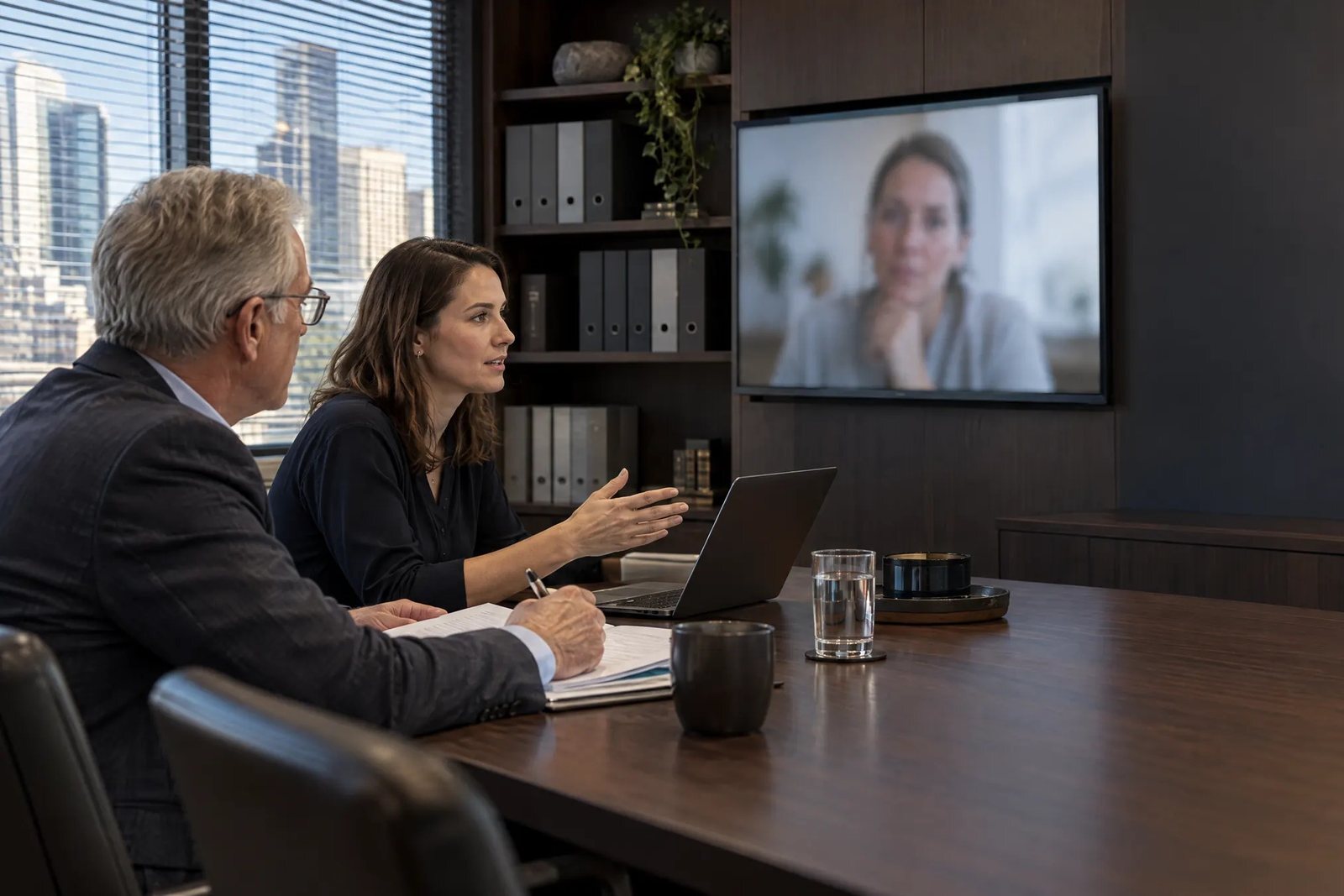
Two advisers talk with a client who appears on the meeting-room screen. Illustrative image.

Wi-Fi data or sensors show which spaces people use.

Your Wi-Fi network can show how many devices are on each floor. Sensors give a closer count where a room or desk needs one. We work with Cisco Spaces and Lambent for Wi-Fi data, and do the set-up and analysis ourselves.

See the workplace utilisation assessment
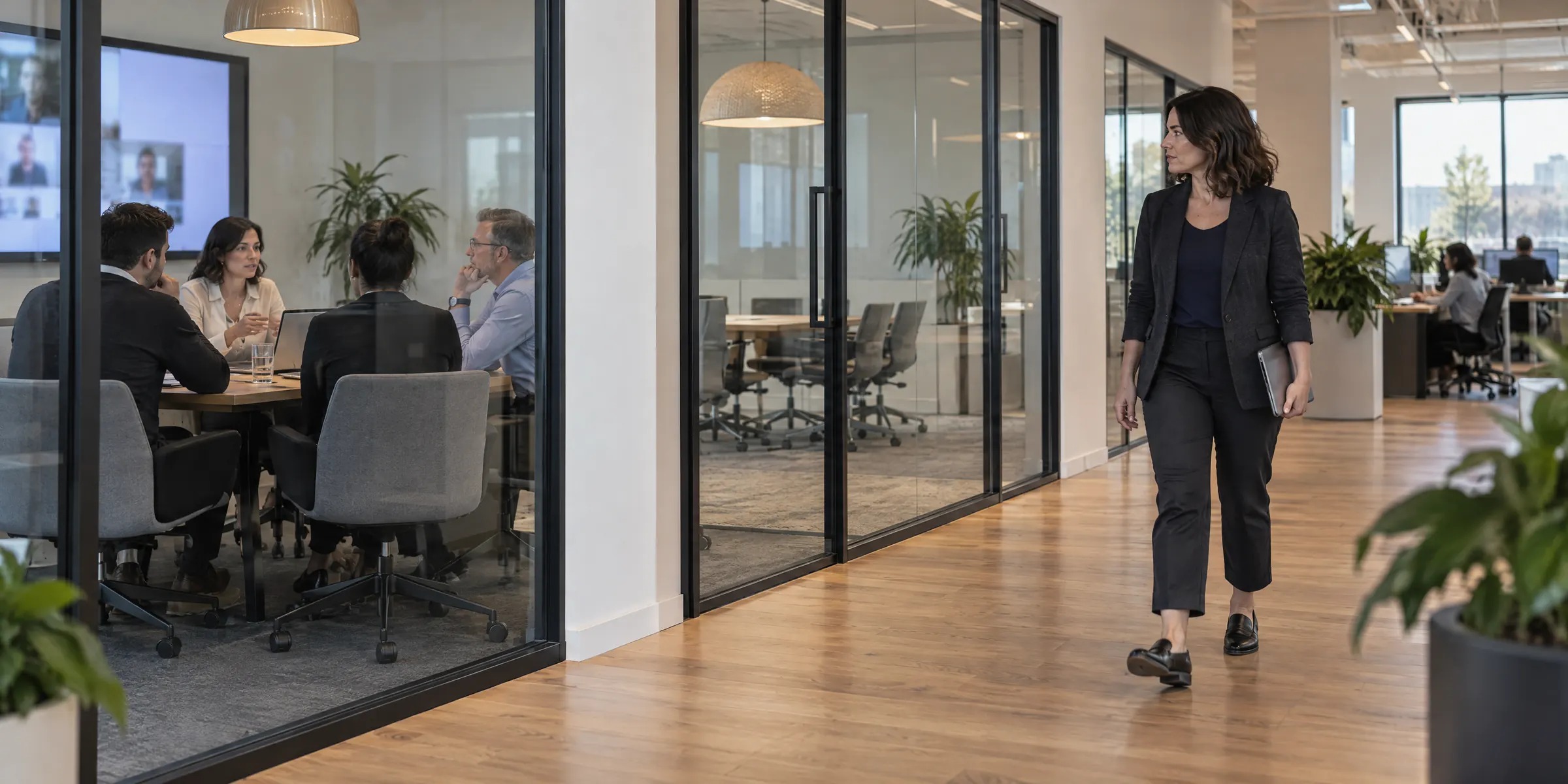
A facilities manager walks past a busy meeting room and an empty one. Illustrative image.

Plan cleaning, catering and energy around the days people come in.

Occupancy data shows which floors are busy on which days. Use it to schedule cleaning and catering, and to adjust heating and lighting. With energy monitoring added, you can also report energy use against your sustainability targets.

Systems we set up and connect

You can start with one and add the rest later.

  • Room and desk booking, including Microsoft Places
  • Occupancy sensors and Wi-Fi analytics
  • Air quality and temperature monitoring
  • Wayfinding screens and room booking panels
  • Visitor sign-in
  • Access control and smart lockers
  • Energy monitoring and reporting

Questions about smart buildings

Can you connect to the building systems we already have?

Often, yes. We check what your booking, access and building management systems can share and connect the ones that allow it, so you don't have to replace them to get the reports.

Do we need Microsoft Places?

No. Places suits organisations already on Microsoft 365. We also work with Cisco Spaces and with other booking systems, and we'll suggest what fits the systems you have.

Tell us what you want to know about your buildings.

Name the sites and the systems already in them. We'll call to suggest what to connect first, and whether your Wi-Fi data is enough to start with.

Talk to us about your buildings