AI & Platforms / Devices & management

One team supplies, sets up and manages your laptops, phones and room devices.

Laptops can ship straight from the supplier to the person and set themselves up with Windows Autopilot at the first sign-in. Microsoft Intune keeps each enrolled device patched and checked, and we look after the fleet until each one is wiped and retired.

Talk to us about your devices
A new starter lifts a laptop out of its box at her desk while a colleague from IT leans in to help. Illustrative image.

Many organisations buy, build and secure devices through different teams.

The laptop comes from one supplier, gets built by an internal team, has security added later and is supported by someone else. New starters wait, builds drift apart and nobody's sure which devices have missed a patch.

Conditional Access can only keep an out-of-date laptop away from company data if every device is enrolled and reporting.

Laptops ship straight to the person and set themselves up.

We supply the laptop and register it for Windows Autopilot before it leaves the supplier. The person opens the box, connects to Wi-Fi and signs in, and Intune installs the apps, settings and security policies for their role.

Nobody builds it by hand, and a new starter in another city doesn't wait for one to be imaged and posted.

Every device is checked before it reaches company data.

Intune manages Windows, macOS, iOS and Android from one place: encryption, updates, apps and compliance rules. Microsoft Defender for Endpoint adds threat protection and reports each device's risk to Intune.

Conditional Access uses that status, so a device that's out of date can be kept out of Microsoft 365, Copilot included, until it's fixed.

See how we secure sign-in
A support analyst in a headset works through a problem with a colleague who points to her screen. Illustrative image.

Meeting-room consoles and Teams phones are devices too.

Teams Rooms, room panels and Teams desk phones can be enrolled in Intune and given compliance rules, like laptops. Some laptop rules don't suit them: a room device can't be set to ask for a password, and a forced re-sign-in will log it out.

We set rooms and phones up with rules written for them, so they stay updated and signed in.

See what a room refresh covers
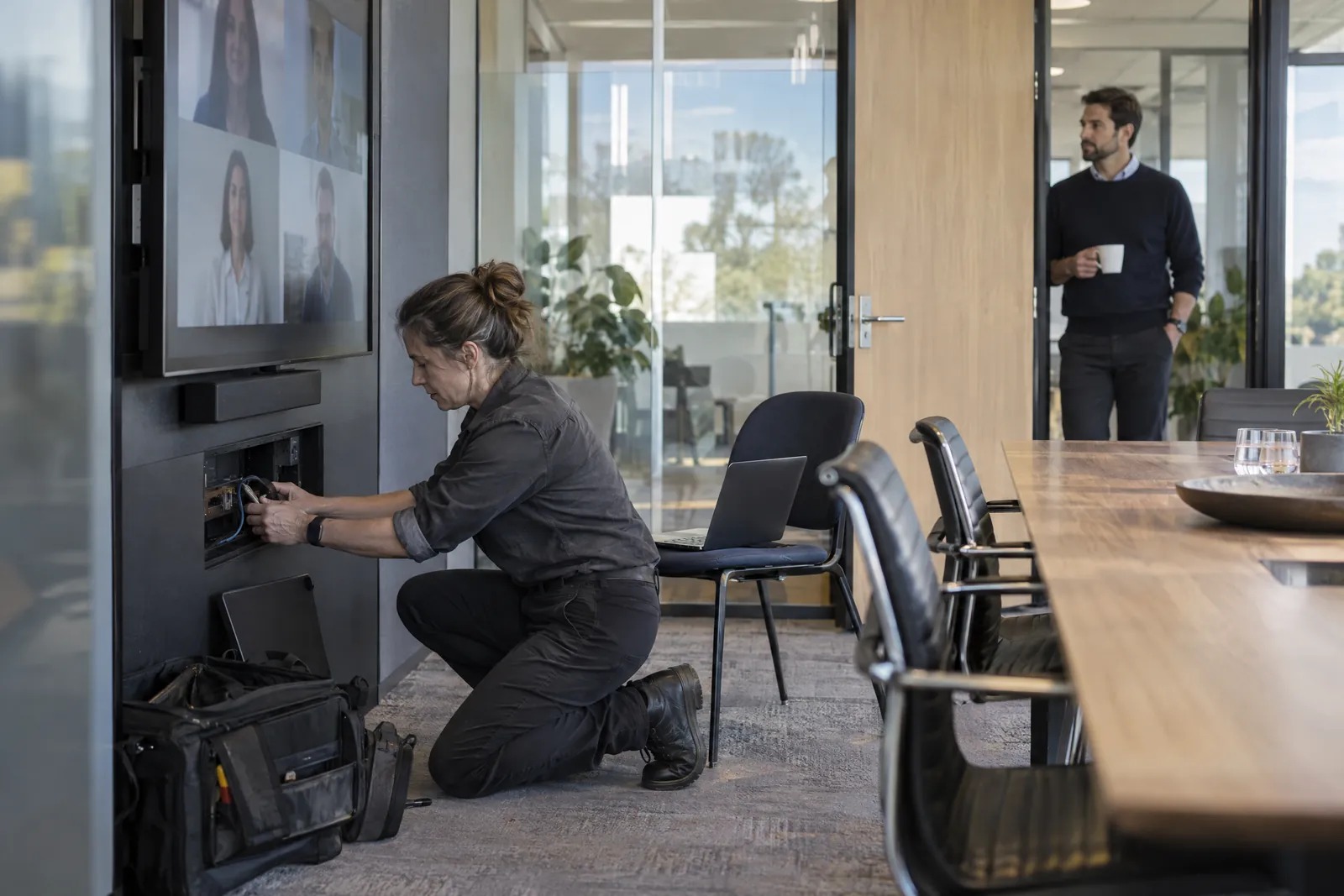
An engineer tests a connection beneath a meeting-room display. Illustrative image.

What we supply and look after

We can supply the device as well as manage it, so one team answers for the order, the setup and the support.

  • Laptops and desktops, including Surface and Copilot+ PCs
  • Phones and tablets, company-owned or the person's own
  • Shared devices for frontline and rostered staff
  • Teams Rooms, room panels and Teams desk phones
  • Standard models for each role, including contact-centre agents
  • Moving device management off Configuration Manager to Intune
  • Secure wipe, redeployment and retirement

Questions about device management

Can staff use their own phones for work?

Yes. Intune app protection policies secure work email and files inside apps such as Outlook and Teams without taking over the phone. When someone leaves, we wipe your organisation's data from those apps and leave their photos alone.

We use Configuration Manager today. Can you move us to Intune?

Yes. We usually start with co-management, so Configuration Manager and Intune run side by side, then move each workload across once it's tested.

How does device management support the Essential Eight?

Intune can enforce patching, application control and hardening settings on managed devices, and report which devices comply. That's evidence you can show against your target maturity level.

Do Macs and iPhones need a different setup?

They enrol through Apple Business Manager instead of Autopilot. After that, Intune applies the same kind of compliance rules as it does on Windows.

Can you look after the fleet once it's rolled out?

Yes. Through M-Serv, our managed support, we keep policies and apps current, handle service requests, chase warranty repairs and plan the next refresh with you.


Start with the devices you run now.

Tell us roughly how many laptops, phones and room devices you have, and how they're managed today. We'll call to suggest a first step, such as finding the devices that aren't enrolled or have missed updates.

Talk to us about your devices