
CX & Communications / Teams Phone & CVX

Make Microsoft Teams your phone system.

We move your calling off the old phone system and into Microsoft Teams, so people meet, chat and call from one app on their usual numbers. CVX, our service that connects Teams to the phone network, carries the calls.

Talk to us about Teams Phone

An operations manager in a hi-vis vest talks on a headset call at his laptop in a site office, a hard hat on the desk and trucks outside the window. Illustrative image.

Many organisations still run a separate phone system beside Teams.

People meet and chat in Teams, then pick up a desk phone that runs on a PBX with its own directory, contract and support. When a call drops, it isn't clear whose problem it is.

Moving calling into Teams lets you retire the PBX and its lines, and leaves you one directory and one place to manage calls.

Calls reach people on their laptop, desk phone or mobile.

A call to someone's direct line rings in Teams wherever they're working. Reception, call queues and after-hours routing are set up in Teams as well.

Teams can connect to your contact centre and call recording.

If your contact centre runs on NICE CXone, or part of the business is on Cisco or Webex, we connect them to Teams so calls and people can move between them. We can add call recording where your industry's rules require it.

Contact centres and AI

Call quality depends on your network as much as the phone.

We check the network and firewall and set up the Teams settings in your Microsoft 365 tenant. When a call problem sits in one of those layers, we fix it there.

Networking

A network engineer checks a laptop between equipment racks. Illustrative image.

How a move to Teams Phone runs

  1. Look at what you run now

    Your phone system, numbers, contracts and devices, and who needs what.

  2. Design calling in Teams

    Call routing, reception, queues, devices and integrations, with training if you want it.

  3. Move in stages

    We port your numbers to CVX and move sites or teams in the order you agree on.

  4. Support it once it's live

    M-Serv, our managed support, takes the call when something needs fixing.
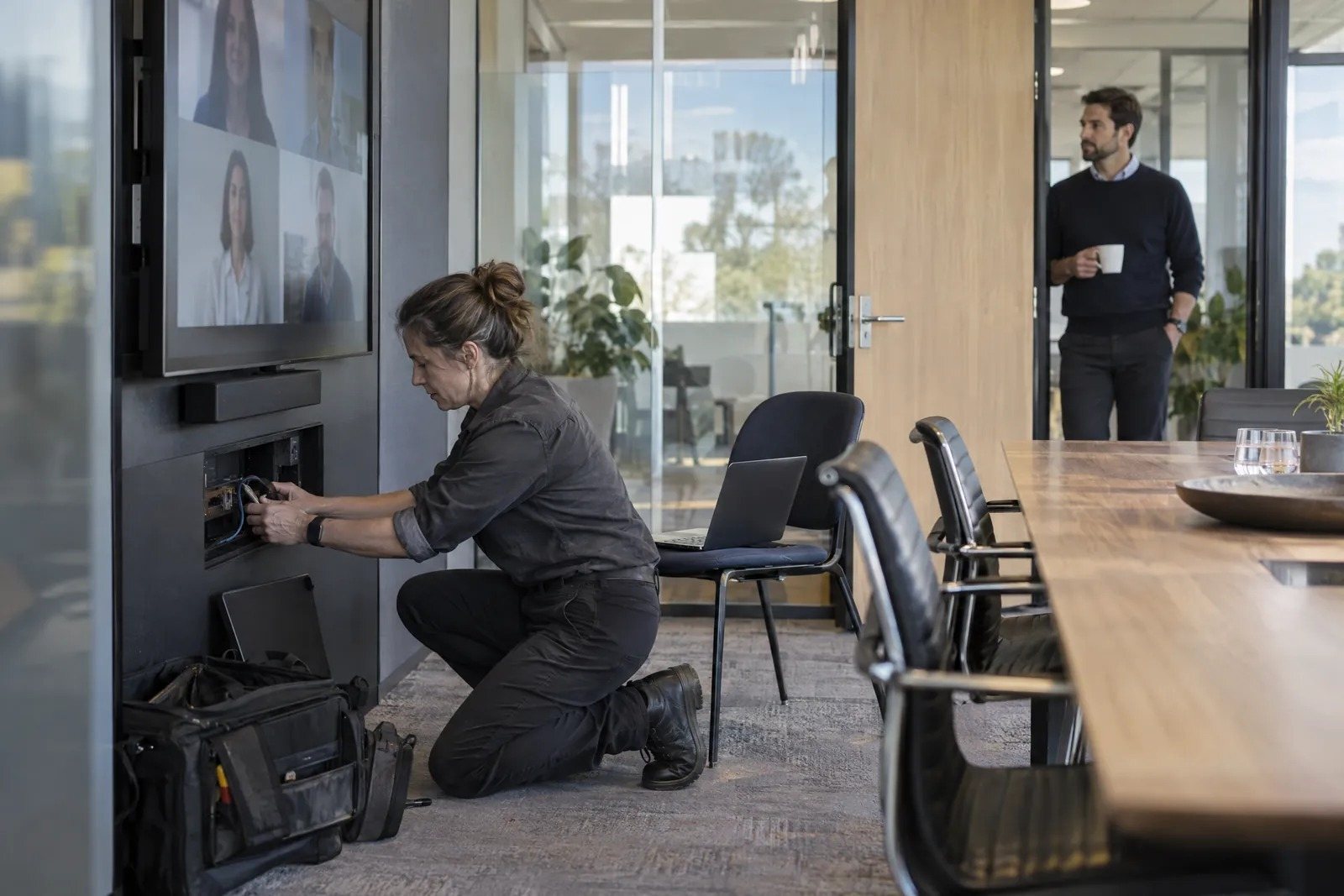
An engineer tests a connection beneath a meeting-room display. Illustrative image.

Questions about Teams Phone

Do we have to replace our desk phones?

Not always. Teams works on laptops and mobiles, and on desk phones certified for Teams. Some older phones can connect through Microsoft's SIP Gateway, and we'll check yours.

Can we keep our phone numbers?

Yes. We port your existing numbers to CVX as part of the move.

Do we have to move everyone at once?

No. We can move sites or teams in stages, so the rest of the business keeps calling as it does now.

Have you moved organisations our size?

Our team has set up Microsoft phone systems for more than 300,000 users. Tell us your sites and headcount, and we'll explain how we'd stage the move.

Can we see Teams calling before we commit?

Yes. We run a workshop for your team on calling with Teams Phone, the devices that go with it and what a move involves.

Tell us what you're running now.

List your sites, roughly how many people need a phone number, and the phone system you use today. We'll call to talk through moving your calling into Teams.

Talk to us about Teams Phone