
Workplace Technology / Audio visual

Audio visual for meeting rooms, boardrooms, training rooms and town halls.

We design each space for the people in the room and the people dialling in, fit it out with Microsoft Teams Rooms, and support it for the life of the equipment.

Talk to us about your rooms
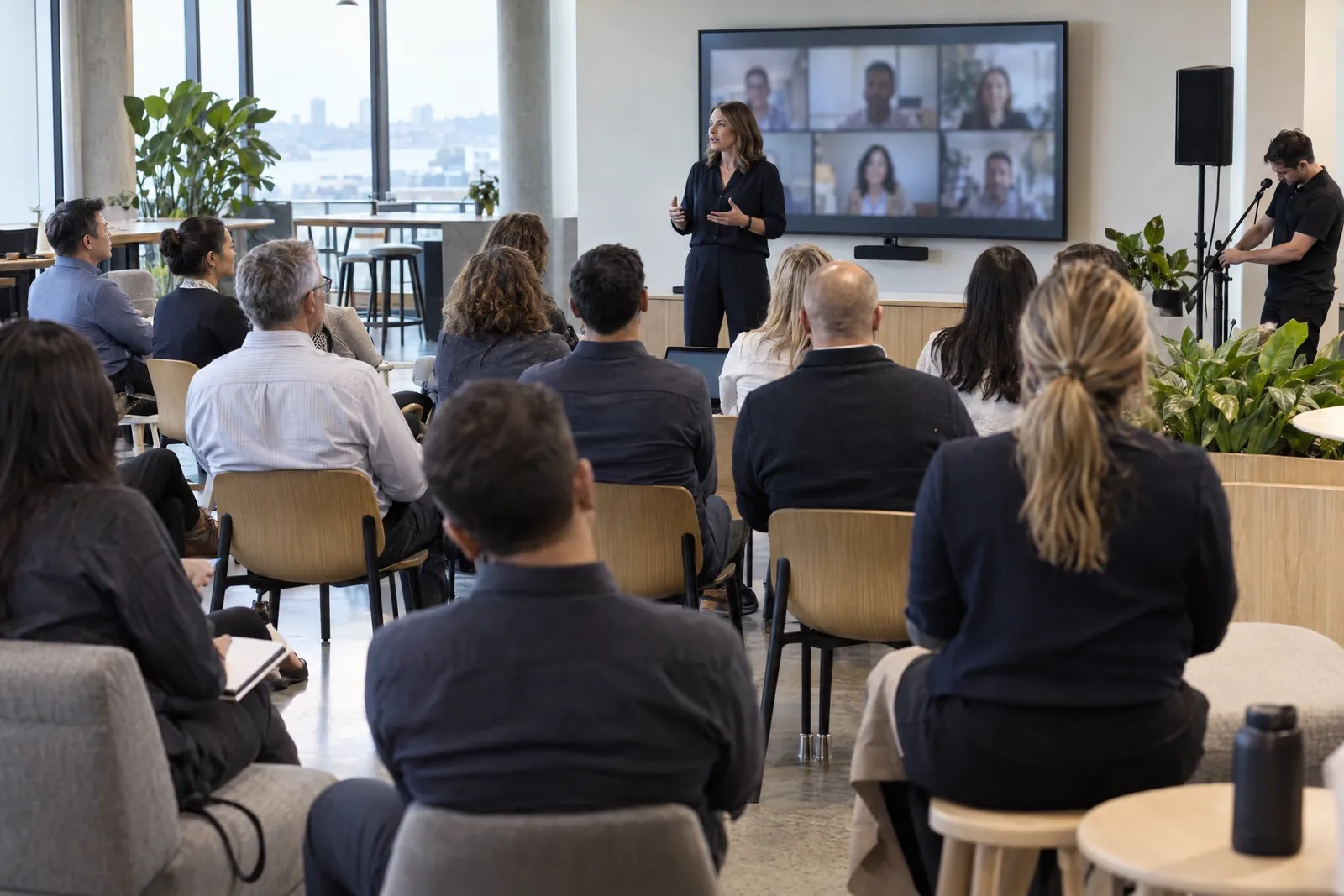
A presenter speaks to an all-staff meeting in an office breakout space, with remote colleagues on the wall screen behind her and an AV engineer adjusting a microphone at the side. Illustrative image.

When a room lets people down, they go back to their laptops.

A call that won't start, a camera that crops people out, a screen that won't share. Many organisations have rooms from several brands and installers, and nobody who owns all of them.

We design, install and support the rooms, along with the network and Microsoft 365 settings behind them, so a fault in any of those comes back to us.

We design a standard for each type of room and use it on every site.

Huddle rooms, boardrooms and town halls each need different cameras, microphones and displays. Each standard comes with drawings and acoustic notes, so the next room is quicker to build and easier to support.

Before a rollout, our engineers can set up and test the design in our labs in Melbourne and Auckland, and pre-stage the equipment for each site.
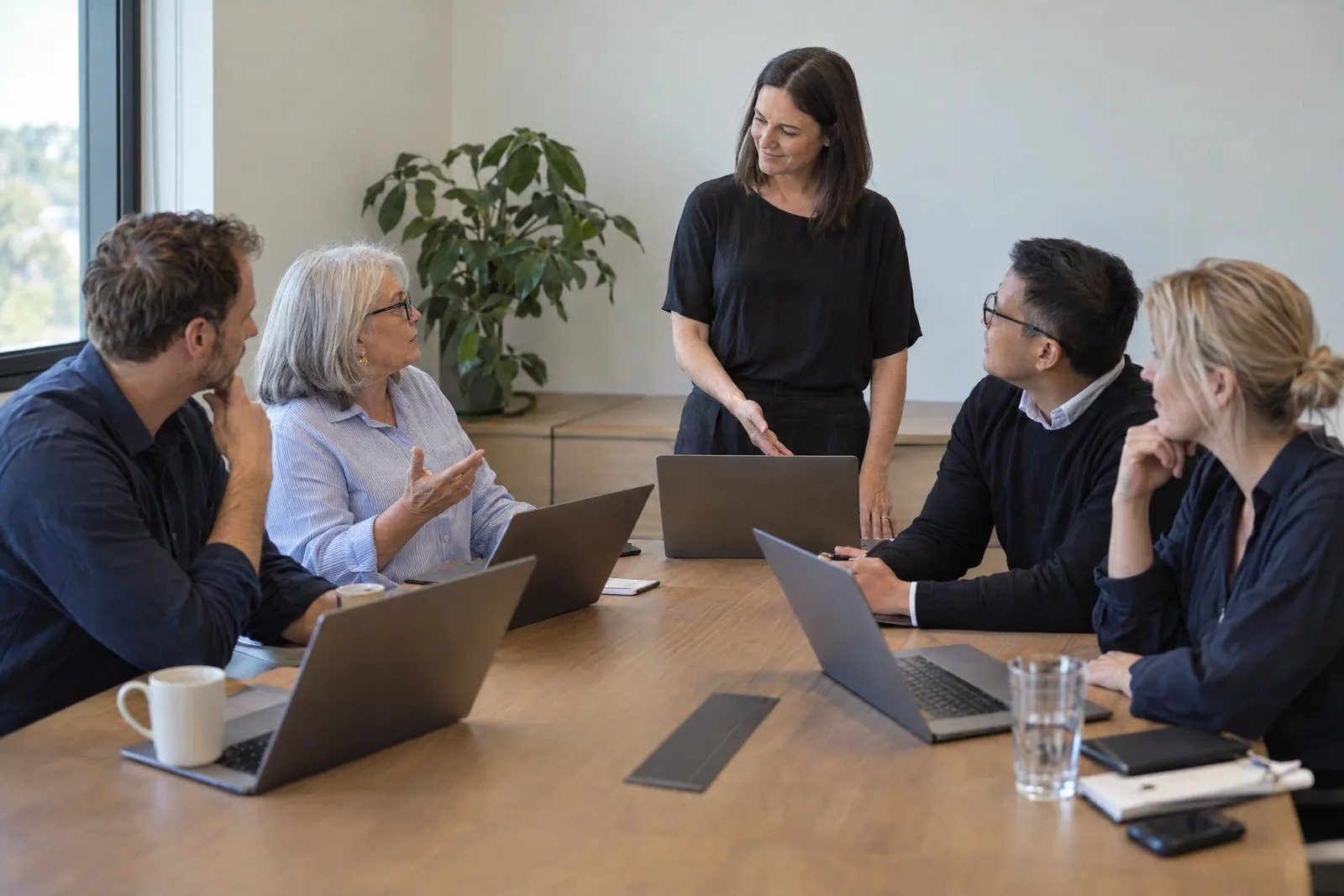
A trainer stands at the head of a meeting table while one of four staff with laptops asks her a question. Illustrative image.

People dialling in should see and hear everyone in the room.

A single wide camera puts the whole table into one small tile, and a microphone at one end misses the far chairs. We place cameras and microphones for the size of the room, and check what each room can support before recommending anything.

See how a room refresh runs

We support the rooms after they're installed.

M-Serv, our managed support service, monitors the rooms, handles faults and deals with the equipment makers for you. We also train the people who use the rooms, so they're confident from the first meeting.

See how managed support works
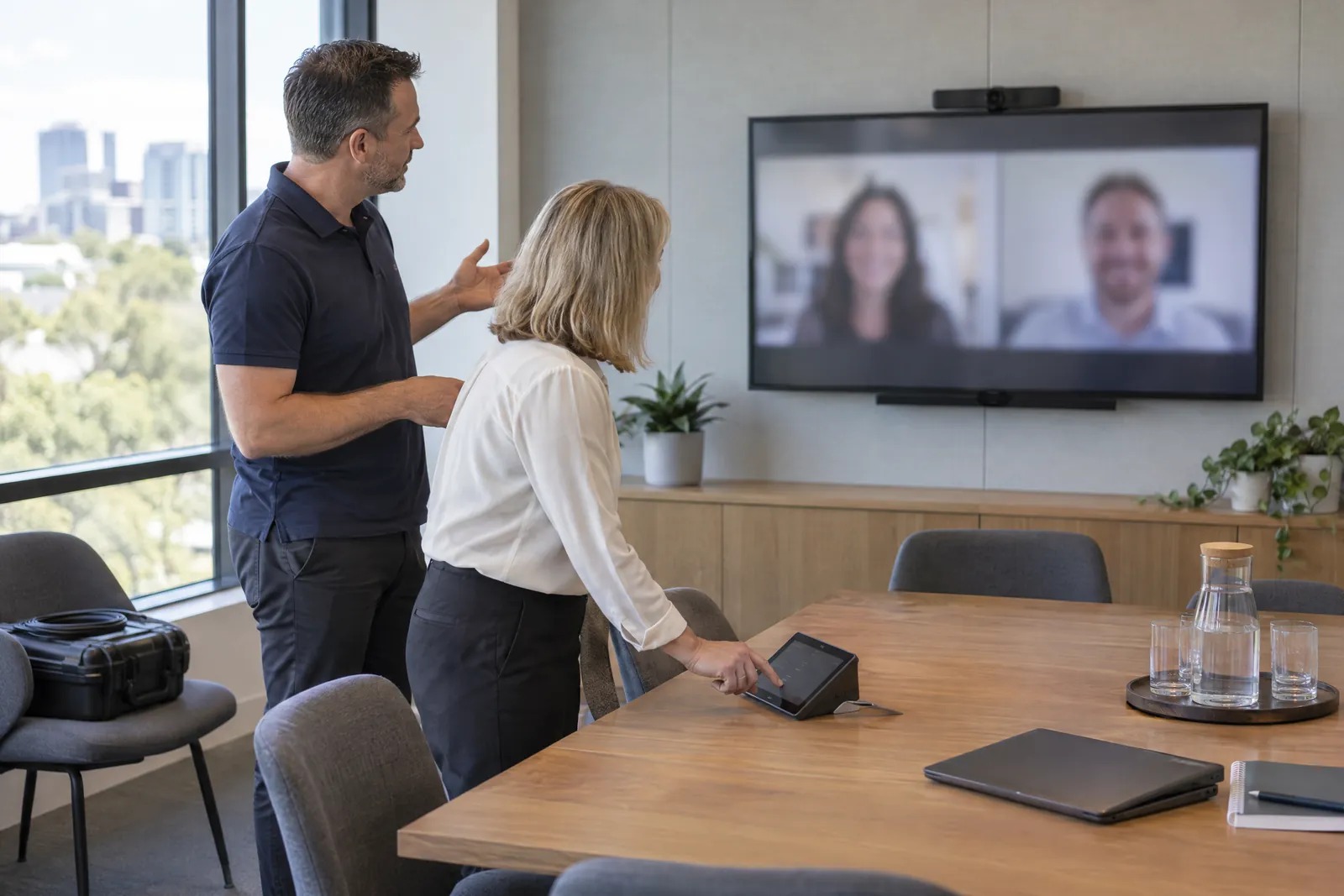
An engineer explains a new meeting room while a client tries the touch panel. Illustrative image.

Spaces and systems we design and install

We match each one to the space, its acoustics and the people dialling in.

  • Huddle rooms and focus booths
  • Meeting rooms and divisible boardrooms
  • Training rooms and town halls, with several cameras where needed
  • Room booking panels and digital signage
  • Content creation and streaming studios
  • Room control and automation

Questions about audio visual

Do you only work with Microsoft Teams Rooms?

Teams Rooms is our main platform. We also work with Cisco Webex, Google Meet and Zoom, and can advise if your organisation uses more than one.

Which room hardware do you use?

Our room hardware partners are Logitech, Yealink and Neat. We also work with Crestron, Q-SYS, Biamp, Shure and Sennheiser, and choose each device for the room's size and how it's used.

Can you support rooms another integrator installed?

Yes. M-Serv can take on rooms that others installed, and we bring them to a common standard over time.

Can we pay per room instead of buying the equipment up front?

Ask us about Select Rooms. It's a subscription that bundles the room hardware, installation and managed support into one cost per room, so you can add rooms without a large capital outlay up front.

Tell us which rooms you're planning.

Give us the sites, the types of room and roughly when you need them. We'll call to talk through the design and how we'd support the rooms afterwards.

Talk to us about your rooms